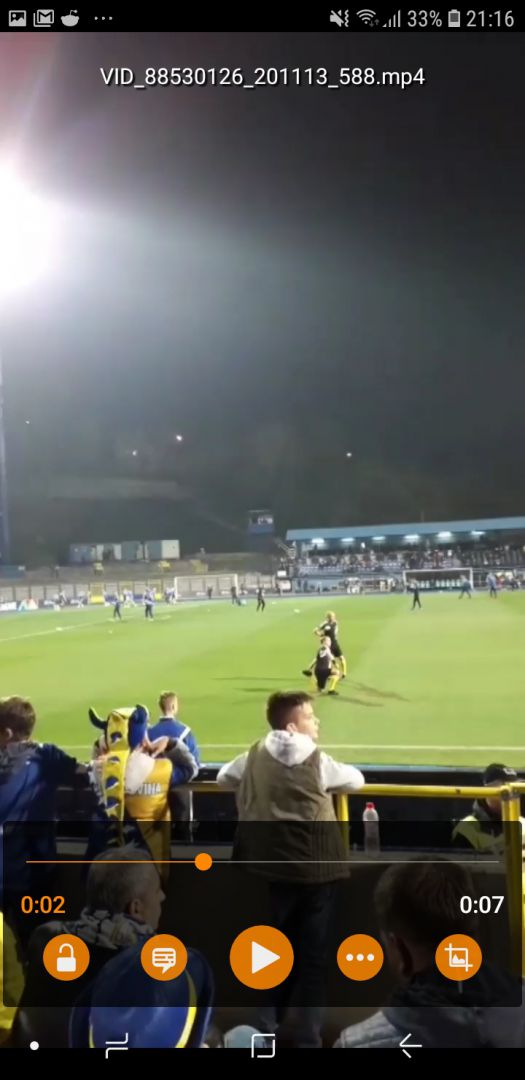
Each smartphone is equipped with a default video player that should serve the basic needs of most users. However, many users who wish to have more control over their video viewing often look for alternatives among the popular video players available for Android. One of them is definitely VLC.
A modern take on a desktop classic
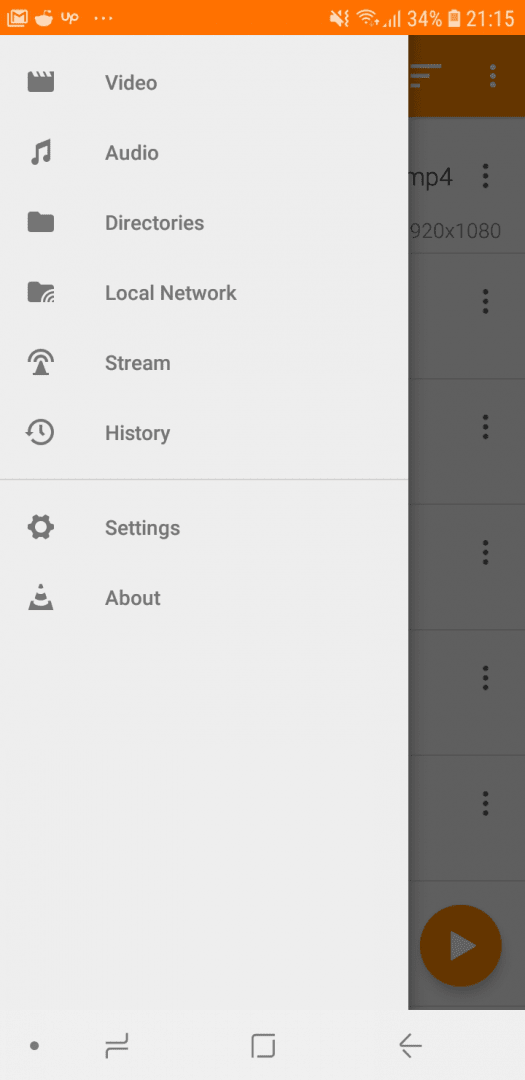
VLC built its reputation on the Windows platform by being quite simple and effective. Its Android version actually looks more modern than its PC counterpart, and it supports a wide variety of file formats and codecs, just like the Windows version.
Excellent subtitle management
The number one thing VLC provides is its great subtitle support. If your video file is named after the movie or show, you can choose to download subtitles automatically, or you can download them using your browser and simply load them into VLC.
Handy playback controls
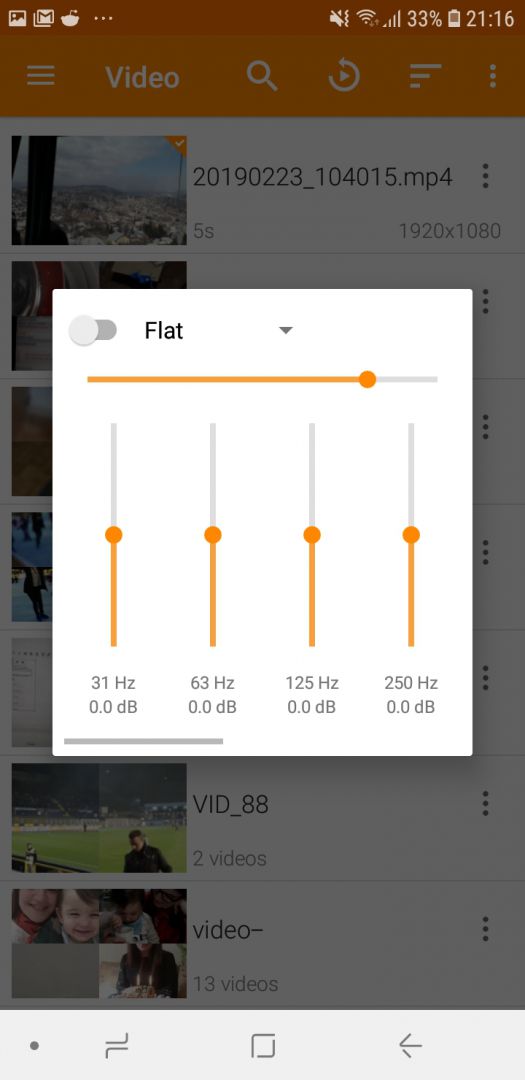
The app offers quite a few useful features you can use while watching a video. You can set a sleep timer if you plan on dozing off soon. Playback speed and the audio equalizer can also be adjusted easily. Subtitles or the audio track can be aligned perfectly by moving them forward or backward on the timeline.
Background play and advanced settings
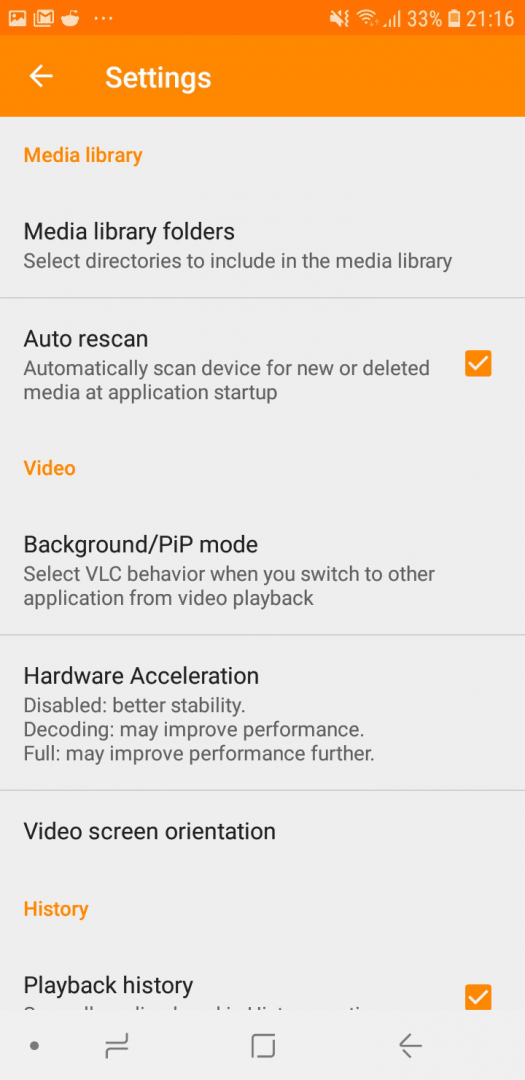
It also offers the ability to play video files in a small window in the corner of the screen while you use other apps, or you can simply just play the audio! The app's settings house more advanced options that can really tailor your experience. It's completely free and open-source, and you don't have to worry about ads or in-app purchases.
Vedin Klovo
App tester and reviewer
★★★★★
★★★★★
Editor's pick
Pros
Completely free and open-source
You can use and align subtitles easily
It supports a wide range of file formats and codecs