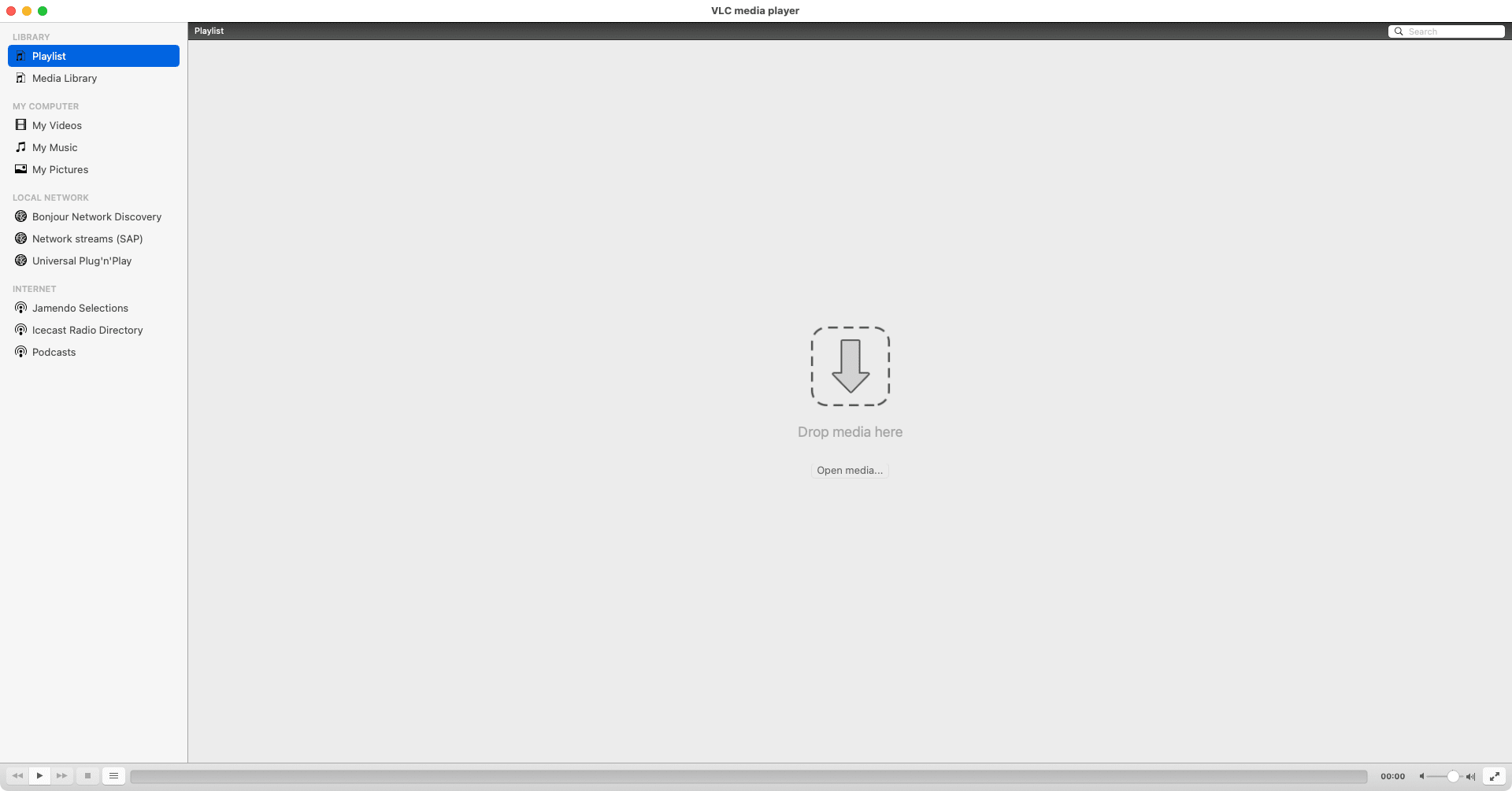
When it comes to media players, especially on macOS, VLC ranks among the highest and most popular ones out there. A simple, highly reliable media player, it has earned its reputation as a go-to solution for playing almost any audio or video without requiring additional codecs or extensions.
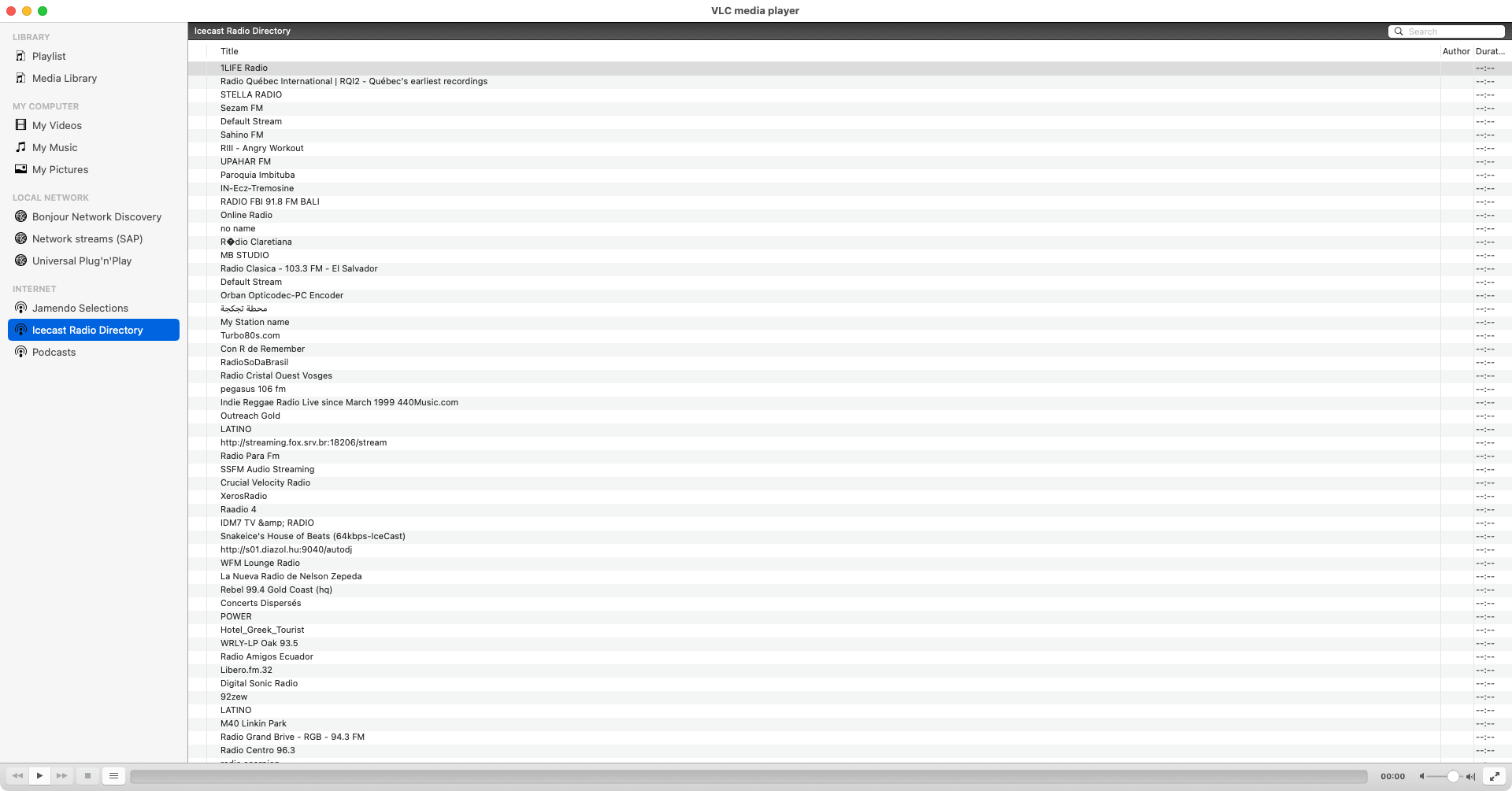
This free and open-source player caters to both casual movie watchers and heavy media consumers. On Mac, it provides you with a smooth and efficient playback experience while handling everything from the standard MP4/MP3 files to high-bitrate MKV and MOV videos, DVDs, and even network streams. It even lets you watch damaged or partially downloaded files, although playback quality may be inconsistent.
Wide format compatibility and playback reliability
For many media players, the main hurdle is the lack of native format support. With VLC, however, its near-universal format compatibility is one of its biggest strengths. It plays almost every media format out of the box without breaking a sweat. While there might be an exceptionally rare, incompatible file it can't handle, such cases are uncommon.
From common formats like MP3, AAC, AVI, and MP4 to advanced containers such as MKV, FLAC, and MOV, VLC handles them all with ease. On macOS, VLC is especially reliable when dealing with files that other media players struggle to open. It can play incomplete downloads, corrupted files, and unusual encodings, making it invaluable for troubleshooting media playback issues.Advanced playback controls and customization
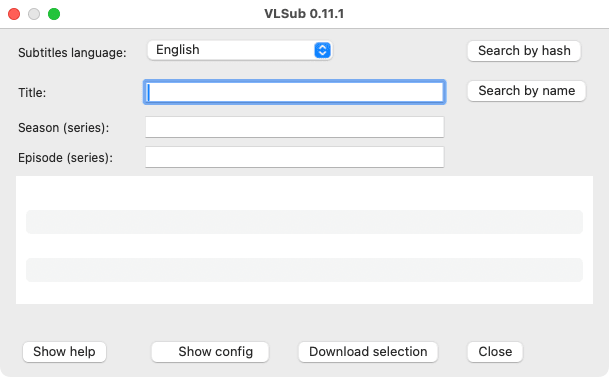
VLC offers a wide range of playback controls that go beyond basic play and pause. Users can adjust playback speed, fine-tune audio synchronization, enable subtitles, change subtitle timing, and apply audio or video filters. Built-in tools like VLSub allow downloading and adding subtitles on the fly.
Features like frame-by-frame playback, equalizer settings, and aspect ratio adjustments make VLC suitable for both casual viewing and technical use cases. The interface is straightforward and functional, retaining the typical, slightly dated VLC aesthetic. Keyboard shortcuts and menu-based controls provide quick access to advanced features without cluttering the screen.A dependable media player for every Mac user
VLC for Mac is a free, dependable, no-compromise media player that focuses on performance, compatibility, and freedom. One of the best aspects is that it is an open-source project, and the features continue to evolve with updates driven by the community. It natively supports both Intel and Apple Silicon (M-series) Macs, ensuring optimal performance.
While its interface may feel basic compared to modern alternatives, its reliability and versatility more than make up for it. Whether you are watching movies, listening to music, streaming content, or converting media files, VLC remains an essential tool for macOS.